Install LineageOS on any phone
A universal guide for non-Samsung devices.
Prerequisites
- A compatible device with an unlocked bootloader
- A computer (Windows, Linux, macOS…)
- Basic Android modding knowledge
Step 1: Preparation
To install adb and fastboot on Linux, run these commands:
sudo apt update && sudo apt upgrade -y
sudo apt install adb fastboot
Check if your device is compatible:
adb shell getprop ro.treble.enabledIf it returns "true", you can continue. If "false", find a ROM specific to your device.
Step 2: Enter Fastboot Mode
Run this command in your terminal:
adb reboot fastbootIf you don't see "fastboot" or "fastbootd" on your screen, try:
adb reboot bootloaderStep 3: Download Files
1. LineageOS GSI
Download the GSI image here: Official Builds
Extract the .img.gz file using 7-Zip or WinRAR.
2. Stock ROM & VBMeta
Search for your device's stock ROM on the internet (Example: "your device model stock rom") and download it. It is usually a .zip or .tgz file.
Extract the ROM and locate vbmeta.img (and vbmeta_system.img if present). Place them in the same folder as your GSI image.
Step 4: Flash the ROM
fastboot getvar unlocked.
Disable verifications and flash the files:
fastboot --disable-verity --disable-verification flash vbmeta vbmeta.img
fastboot flash system system.img
fastboot format userdata
Success!
Run fastboot reboot to start your new system.
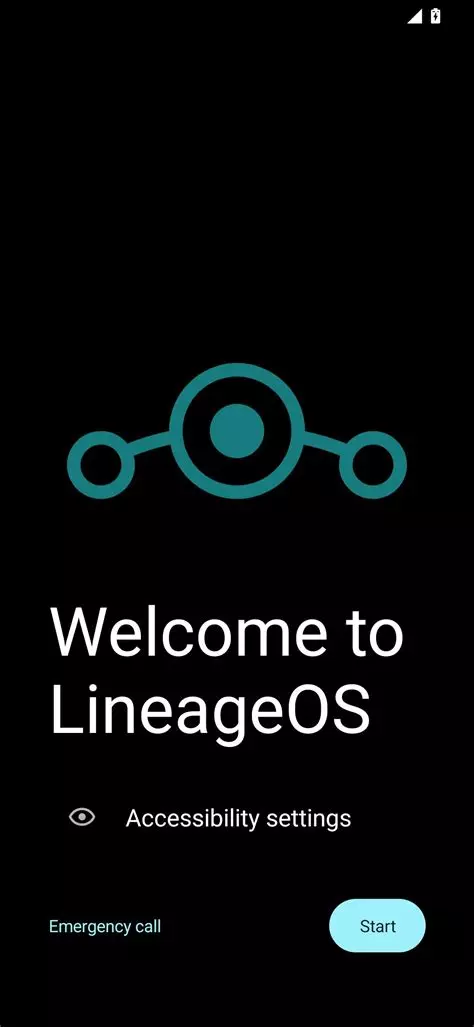
If you reach this screen, LineageOS is successfully installed!